
Manim (optional)
import math

from manim import *

%reload_ext mytutor
Manim Community v0.7.0
Manim is a powerful animation engine for mathemetics developed by 3Blue1Brown. We will use manim to domenstrate how object-oriented programming uses classes and objects to make it create complex animation.
Creating a scene
How to create an animation with manim?
In jupyter notebook, we can use %%manim cell magic:
%%manim -qm --progress_bar=none --disable_caching --flush_cache -v ERROR HelloWorld
class HelloWorld(Scene):
    def construct(self):
        self.play(Write(Text("Hello, World!")))
In the line starting with %%:
-qmis the alias for--quality=m, which means the video is rendered in medium quality. Change it to-ql(-qh) for low (high) quality.--progress_bar=none --disable_caching --flush_cache -v ERRORare additional configurations to turn off some features.HelloWorldis the class to render, which is defined in the body:class HelloWorld(Scene): def construct(self): ...
How to define a class?
As a toy example, the following defines a class Pet and its subclasses Cat and Dog:
%%mytutor -h 700
class Pet:
    kind = "Pet"

    def __init__(self, name):
        self.name = name

    def __str__(self):
        return f"{self.kind} {self.name}"


class Cat(Pet):
    kind = "Cat"


class Dog(Pet):
    kind = "Dog"


p1 = Pet("Alfie")
p2 = Dog("Bobbie")
p3, p4 = Cat("Bella"), Cat("Kelly")
print(p1, p2, p3, p4, sep=", ")
Each pet has its own
namebut they sharekindfrom their class without duplicating it.Subclasses can reuse (inherit) code from their superclass but produce different results:
Line 19-21 calls
Pet.__init__implicitly to create pets with differentnames.Line 22 calls
Pet.__str__implicitly to return a string containing pets’ specifickindin addition to itsname.
Animating an Object
How to add objects to a Scene?
We can create a square and add it to the scene as follows:
%%manim -qm --progress_bar=none --disable_caching --flush_cache -v ERROR BlueSquare1
class BlueSquare1(Scene):
    def construct(self):
        s = Square(fill_color=BLUE, color=WHITE)
        self.add(s)
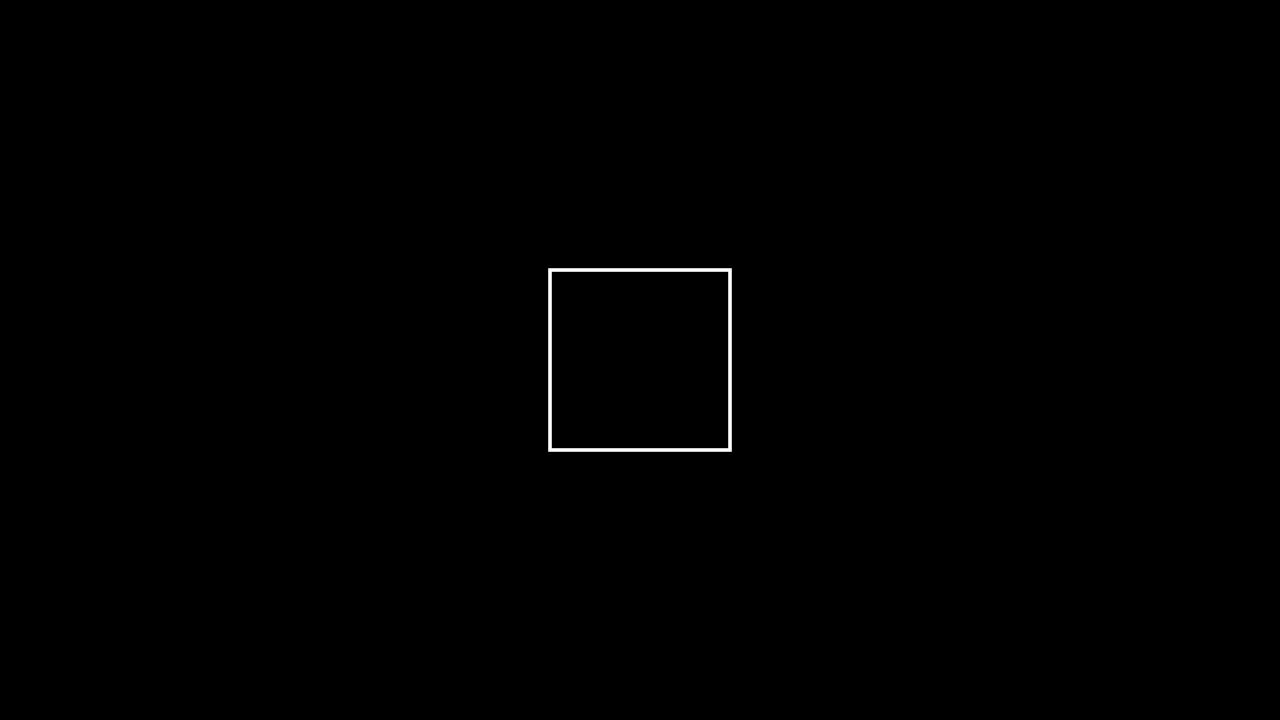
The square object is create using
Square,BLUEandWHITEimported frommanim.It is then placed to to the scene using
self.addinherited fromScene.
How to animate an object?
The following shows the creation of a square:
%%manim -qm --progress_bar=none --disable_caching --flush_cache -v ERROR BlueSquare2
class BlueSquare2(Scene):
    def construct(self):
        s = Square(color=WHITE, fill_color=BLUE, fill_opacity=0.8)
        self.play(Create(s))
        self.wait()
self.playplays the animationCreate(s).self.wait()creates a pause “animation”.
How to transform an object?
To scale, move, or rotate the shape:
%%manim -qm --progress_bar=none --disable_caching --flush_cache -v ERROR BlueSquare3
class BlueSquare3(Scene):
    def construct(self):
        s = Square(color=WHITE, fill_color=BLUE, fill_opacity=0.8)
        self.play(Create(s))
        self.play(s.animate.scale(1.5).rotate(PI / 4))
        self.play(s.animate.move_to([-3, 0, 0]))
        self.play(s.animate.move_to([3, 0, 0]))
        self.play(s.animate.scale(0.5).move_to(ORIGIN).rotate(-PI / 4))
        self.wait()
Exercise (Optional) The attribute s.animate is an object that provides the methods scale, move_to, and rotate. Note that the methods can be called successively as in s.animate.scale(0.5).move_to(ORIGIN).rotate(-PI/4). Why?
Animating multiple objects
Tessellation with regular polygons
Consider tiling a 12-by-6 plane using squares:
%%manim -qm --progress_bar=none --disable_caching --flush_cache -v ERROR SquareTiling1
class SquareTiling1(Scene):
    WIDTH = 12
    HEIGHT = 6
    EDGE = 1

    def construct(self):
        plane = Rectangle(width=self.WIDTH, height=self.HEIGHT)
        unit = Square(color=WHITE, fill_color=BLUE, fill_opacity=0.8).scale(
            self.EDGE / 2
        )
        self.add(plane, unit)
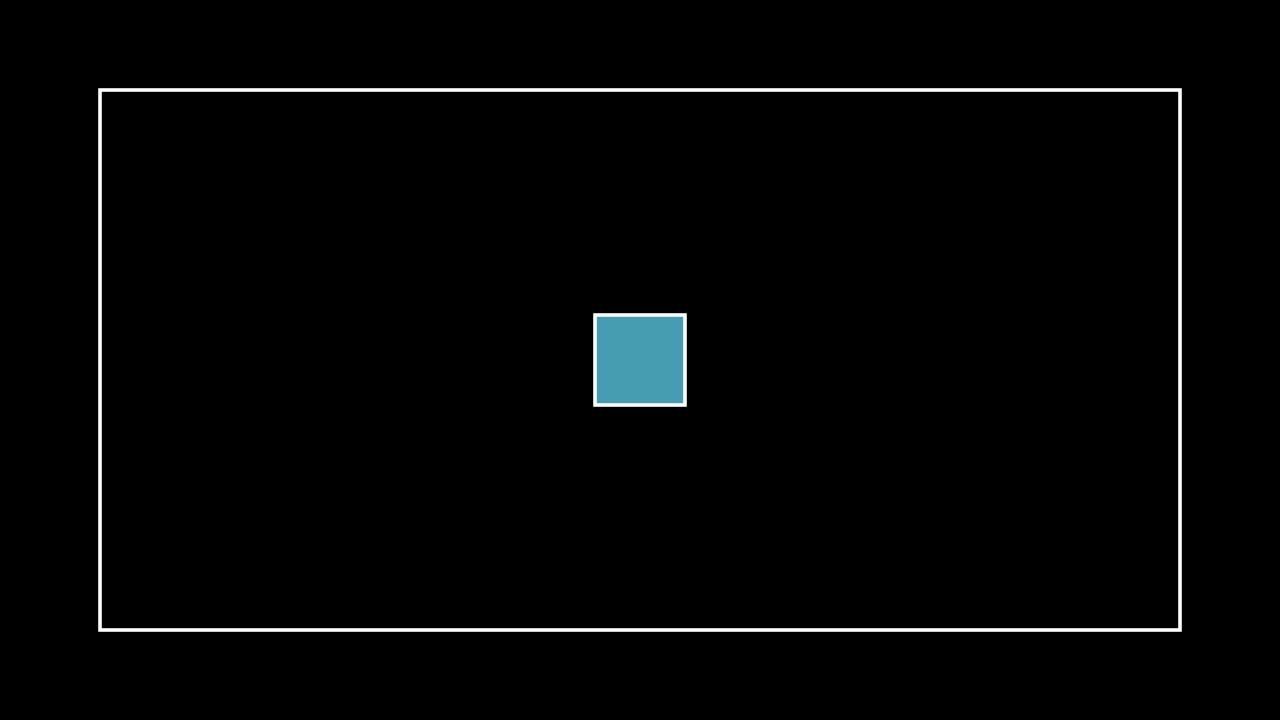
The first line of squares can be animated as follows:
%%manim -qm --progress_bar=none --disable_caching --flush_cache -v ERROR SquareTiling2
class SquareTiling2(Scene):
    WIDTH = 12
    HEIGHT = 6
    EDGE = 1

    def construct(self):

        plane = Rectangle(width=self.WIDTH, height=self.HEIGHT)
        self.add(plane)

        unit = Square(color=WHITE, fill_color=BLUE, fill_opacity=0.8).scale(
            self.EDGE / 2
        )
        self.play(Create(unit))
        self.play(
            unit.animate.move_to(
                [-self.WIDTH / 2 + self.EDGE / 2, self.HEIGHT / 2 - self.EDGE / 2, 0]
            )
        )

        for i in range(1, self.WIDTH // self.EDGE):
            self.play(unit.copy().animate.shift([i, 0, 0]), run_time=1 / i)
        self.wait()
We can use VGroup method to create a group of shapes.
%%manim -qm --progress_bar=none --disable_caching --flush_cache -v ERROR SquareTiling3
class SquareTiling3(Scene):
    WIDTH = 12
    HEIGHT = 6
    EDGE = 1

    def construct(self):

        plane = Rectangle(width=self.WIDTH, height=self.HEIGHT)
        self.add(plane)

        unit = Square(color=WHITE, fill_color=BLUE, fill_opacity=0.8).scale(
            self.EDGE / 2
        )
        self.play(Create(unit))
        self.play(
            unit.animate.move_to(
                [-self.WIDTH / 2 + self.EDGE / 2, self.HEIGHT / 2 - self.EDGE / 2, 0]
            )
        )

        for i in range(1, math.floor(self.WIDTH / self.EDGE)):
            self.play(unit.copy().animate.shift([i * self.EDGE, 0, 0]), run_time=1 / i)

        line = VGroup(
            *[
                unit.copy().shift([i * self.EDGE, 0, 0])
                for i in range(math.floor(self.WIDTH / self.EDGE))
            ]
        )
        for i in range(1, math.floor(self.HEIGHT / self.EDGE)):
            self.play(line.copy().animate.shift([0, -i * self.EDGE, 0]), run_time=1 / i)

        self.wait()
Exercise (Optional) Use manim to show the other two ways of tiling with regular polygons (triangle and hexagon). (see tiling with regular polygons)