Apply motion capture data for 3D model
In order to let the model (mesh) move in the same position of the bone (armature), we need to reposition the armature in the original position by:
- 1 Reset the angel of all the bones
- 2 Reset the position of all bones
- 3 Make parent of mesh to the bone
- 4 Assign vertices of the mesh to specific bones
Step |
Function |
Operation |
| 0: Original position | 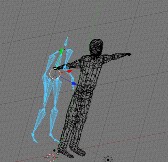 |
|
| 1: Step 1 | 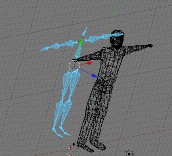 |
 |
| 2: Step 2 | 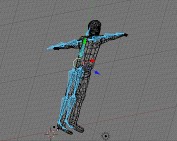 |
|
| 3: Step 3 | The mesh need to adjust (translate, rotate, resize may needed) so that to match the position of the armature, and then make parent | |
| 4: Step 4 | 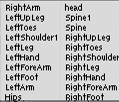 |
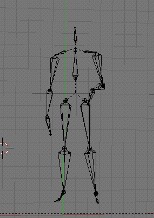 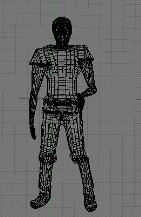 |
Mesh can reuse if another armature need to be animate. If the armature having same structure and naming, we can use 4 simple manually steps the make the animation
- 1. Delete the current armature in used
- 2. Import the new armature
- 3. Reset the location of the new armature as mentioned above
- 4. make parent with armature with the mesh
This can omit the most time consuming part “vertices assigning”