Advanced feature
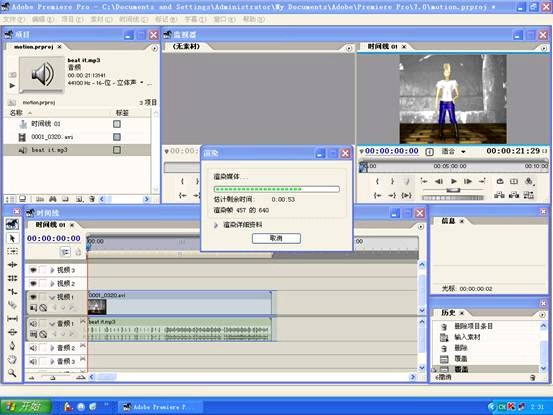
The video file which exported from the Blender without audio, we need to add some music to make it more interesting. Figure 1 below shows how the video file was edited by the Adobe Premiere.
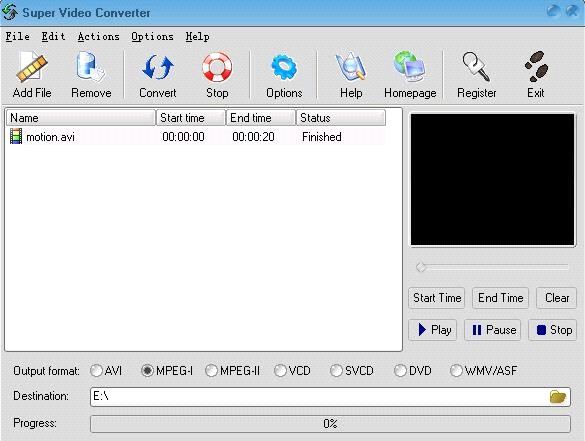
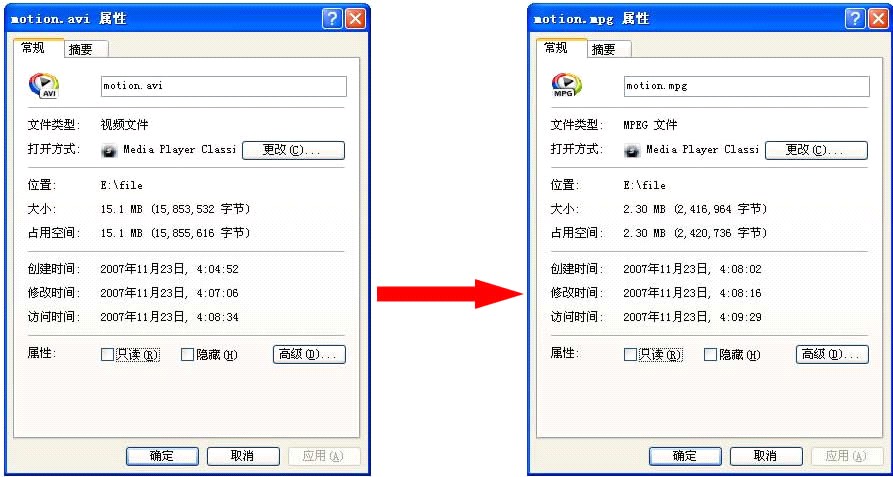
The size of the video which in avi format is very big, it will take a long time when loading the video to the web page, so we need to do the video compression. Figure 2 below shows that converts avi format into mpg format using the Super Video Converter. Figure 3 below shows that the change of the file size.
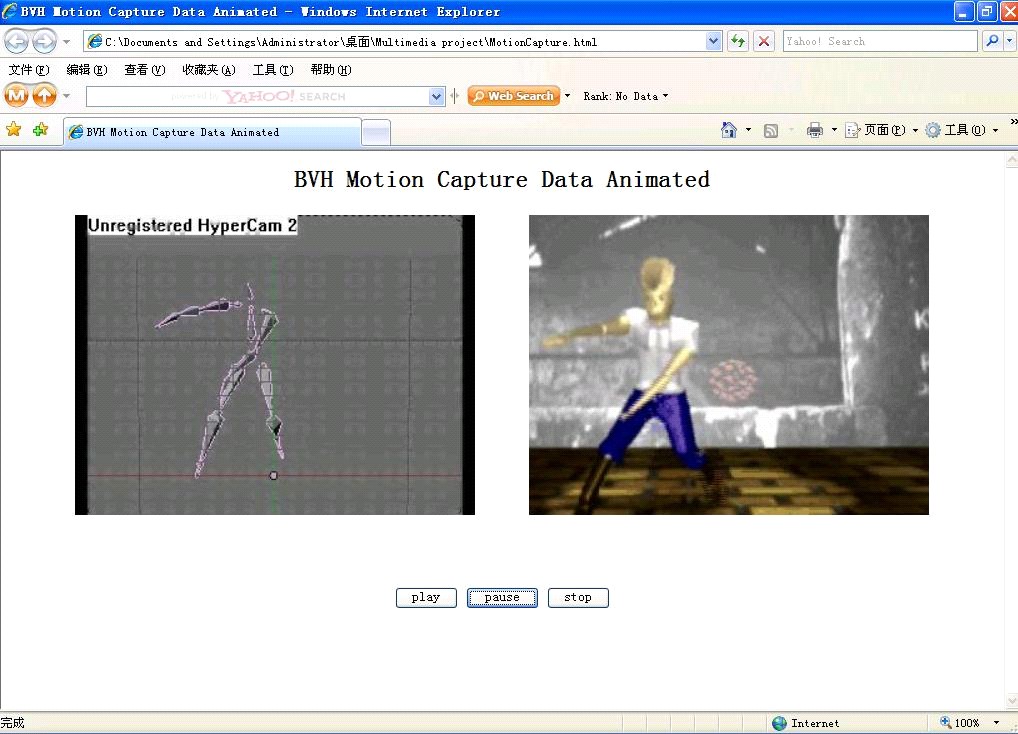
Finally, the original BVH file and the animation which generated by the BVH file will be displayed on the web page, and some buttons such as play, pause and stop are used to control both videos to play Simultaneously. Figure 4 below shows the web page when playing these two videos.