


| Home |
| Team Memebers |
| Objective |
| System Description |
| Schedule |
| Contact |
| What is Image Processing Professional |
This software allow the user to do the simple photo editing.
|
| Program Requirement |
Java SE (JDK) 6 |
| What does Program do? |
Well, you can use Photoshop to "alter" images like photos. Altering an image includes doing such things as Editing
- Contrast
- Brightness
- Invert
Compress image
- Dither – such as 2*2 matrix or 4*4 matrix
- Lookup – create lookup Table
Filter
- Blur,Sharpen, Border, RGB Adjust, Gary
|
| Contrast [demo] | |||||||||||||||
Contrast is easy to understand visually. Artistically, contrasting colors are colors that are opposite on the color wheel -- colors that are opposites. In a high contrast image, you can see definite edges and the different elements of that image are accented. In a low contrast image, all the colors are nearly the same and it's hard to make out detail. |
|||||||||||||||
|
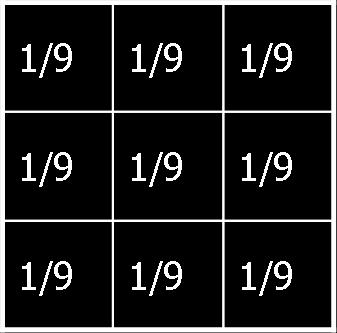
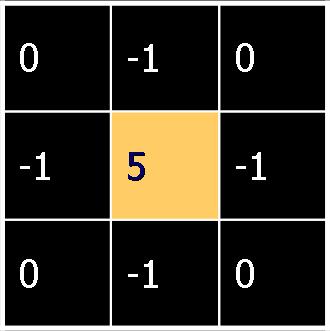
| Contrast Image | ||
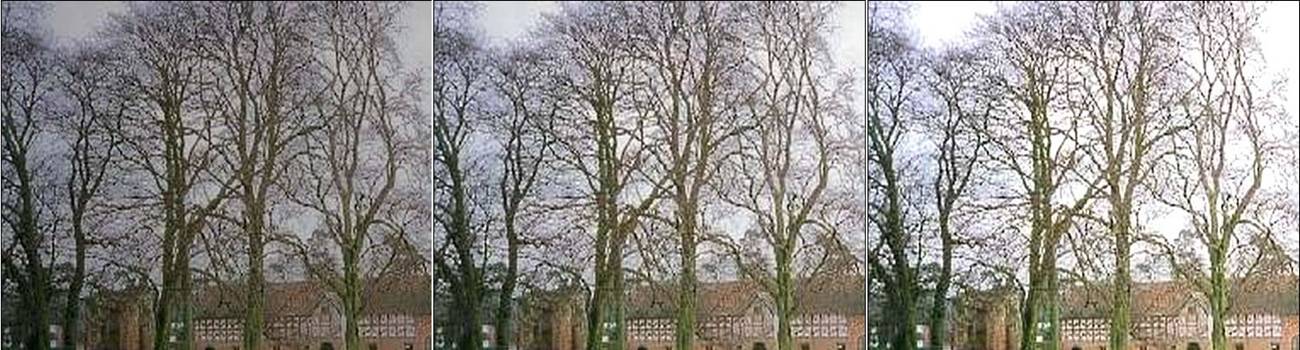 |
||
| Decrease | Orginal | Increase |
| Brightness Image | ||
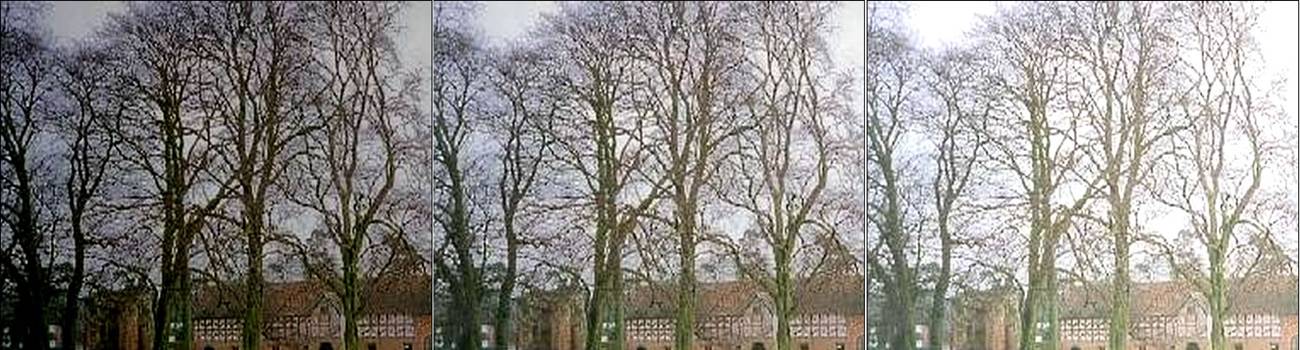 |
||
| Decrese | Orginal | Increase |
| Dither 2 x 2 (preview) |
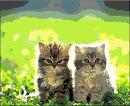 |
| Filter - Blur (preview) |
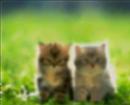 |
| Filter - Sharpen (preview) |
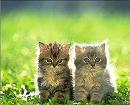 |
| Filter - Border (preview) |
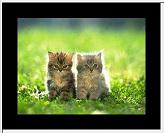 |
| Filter - RGB | ||
| Red (preview) | Green (preview) | Blue (preview) |
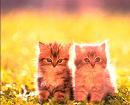 |
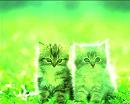 |
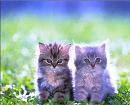 |
| Color Look up Table (preview) |
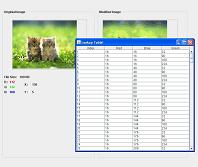 |