Screenshots
* To protect privacy, all user information in the screenshots has been anonymized.
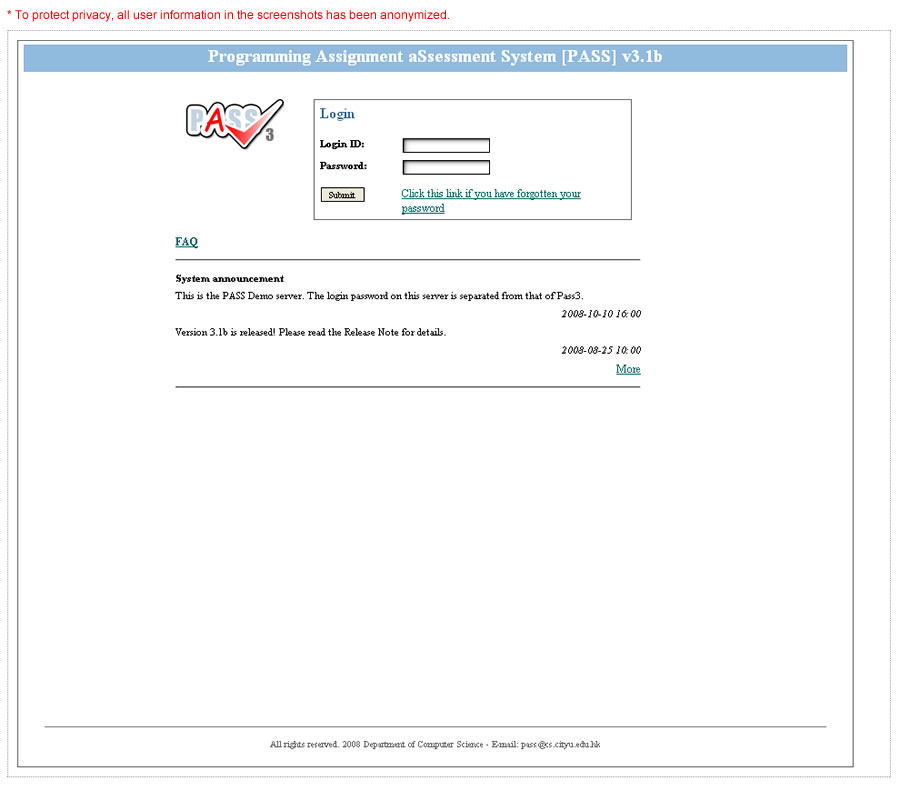
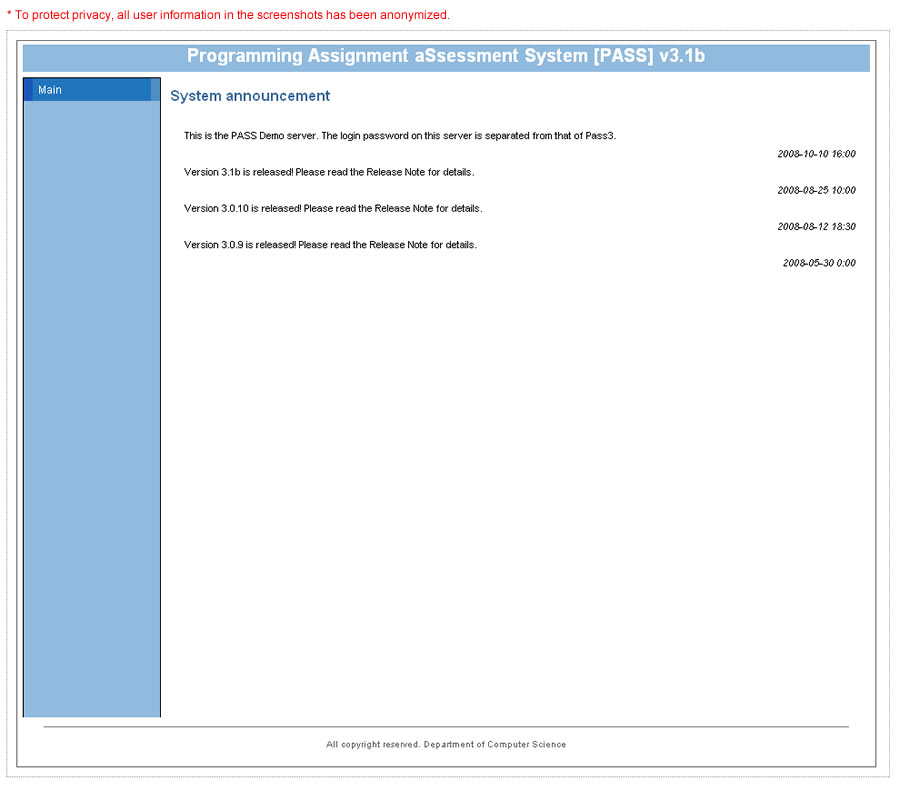
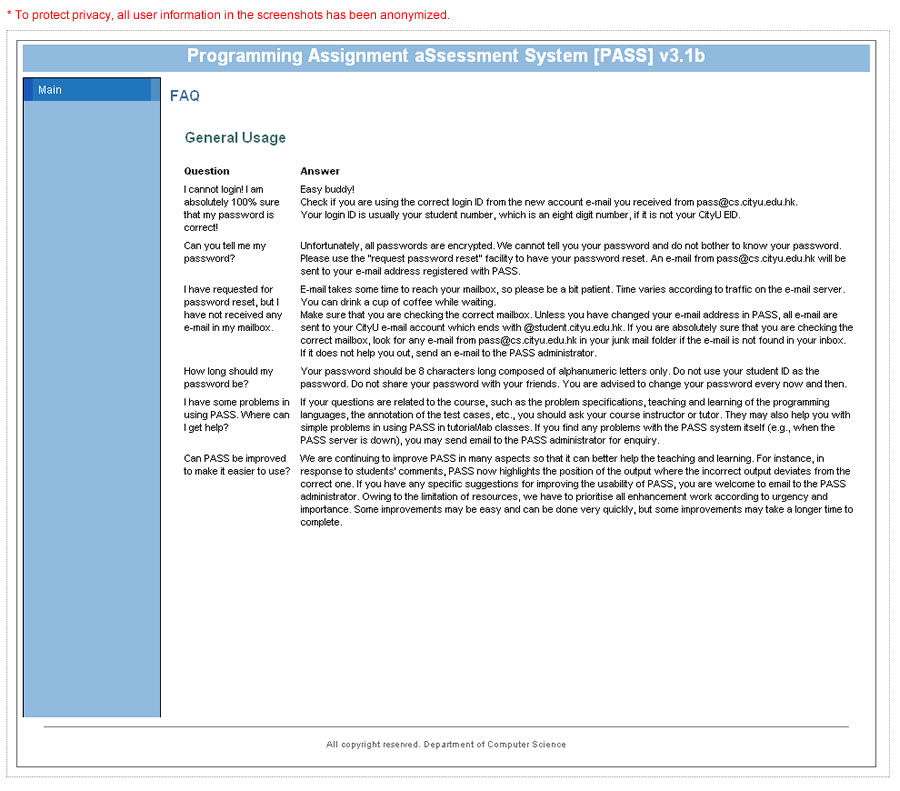
General Interface
Student Interface
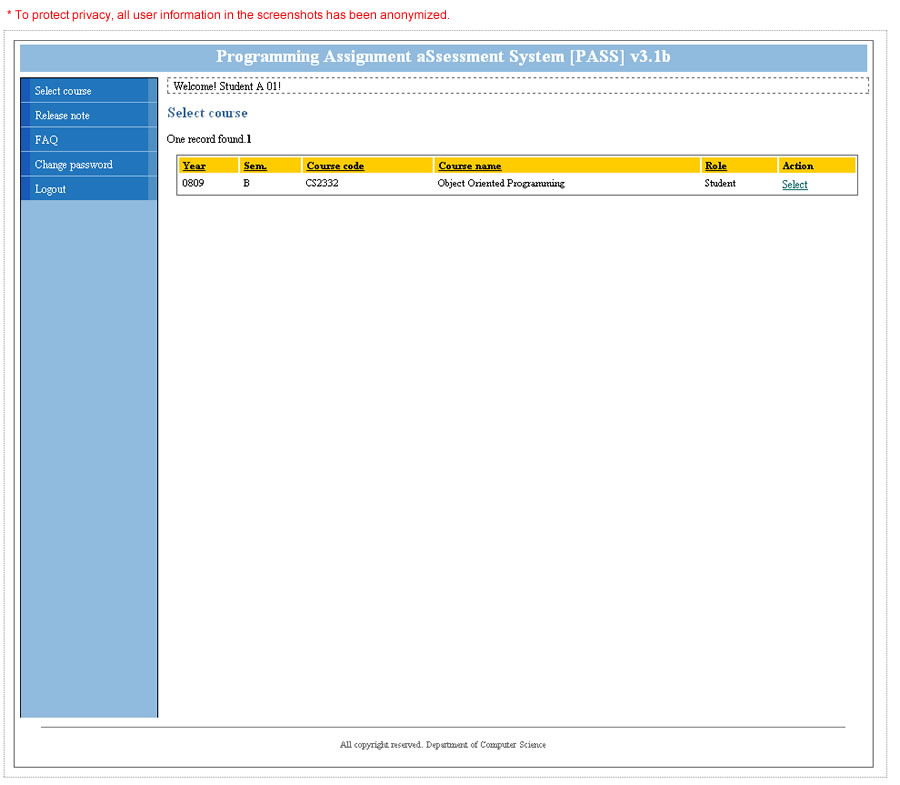
- Select Course
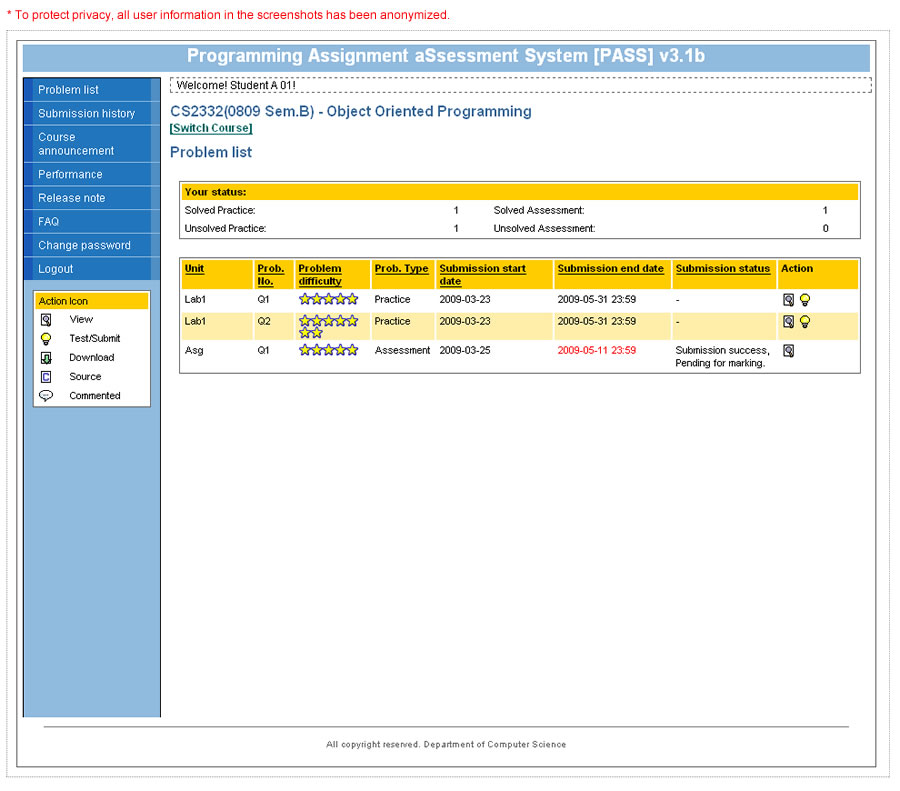
Select a course to work on. - Problem List
View the list of problems released by the instructor for student practice or assessment. - View Problem
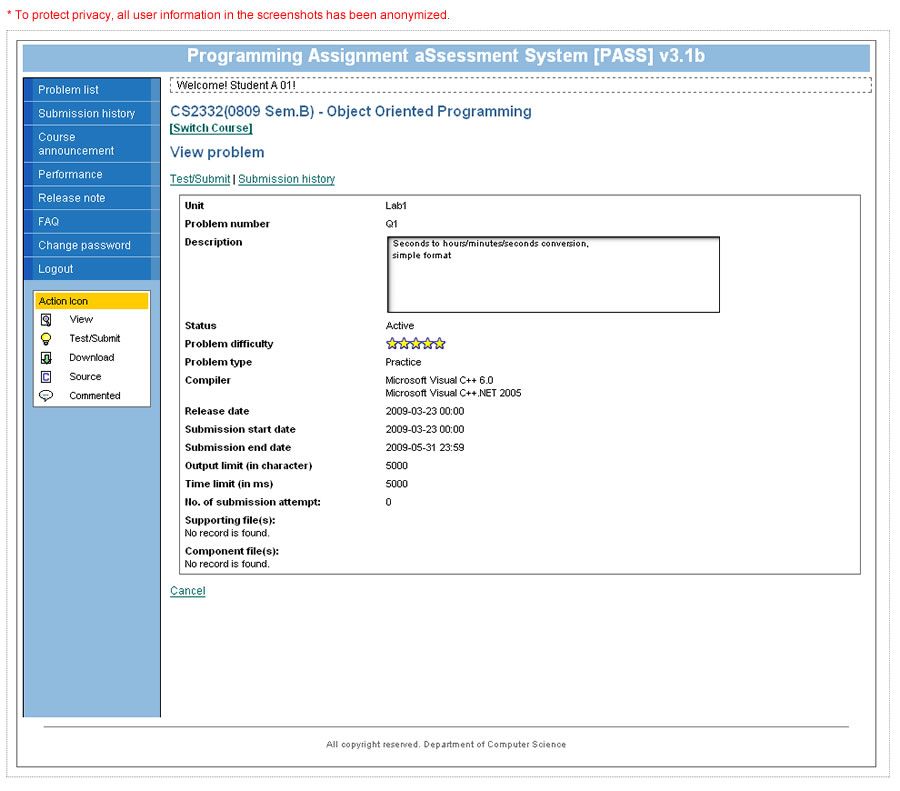
View the details of a problem released by the instructor. - Test/Submit Problem (1)
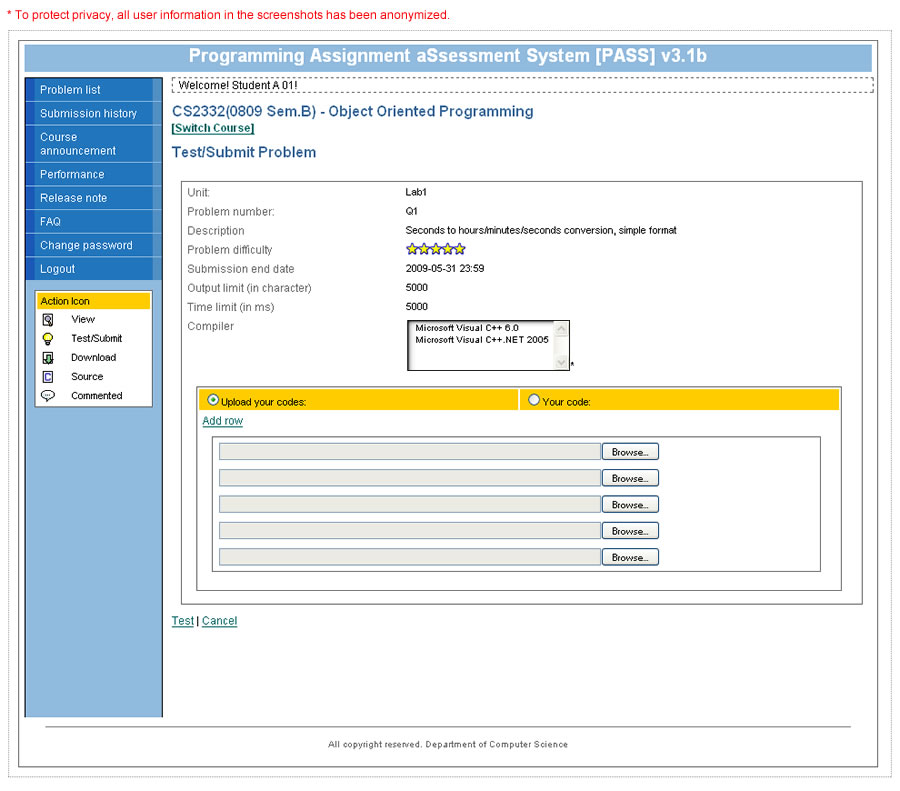
Submit a program to test by uploading its source file. - Test/Submit Problem (2).
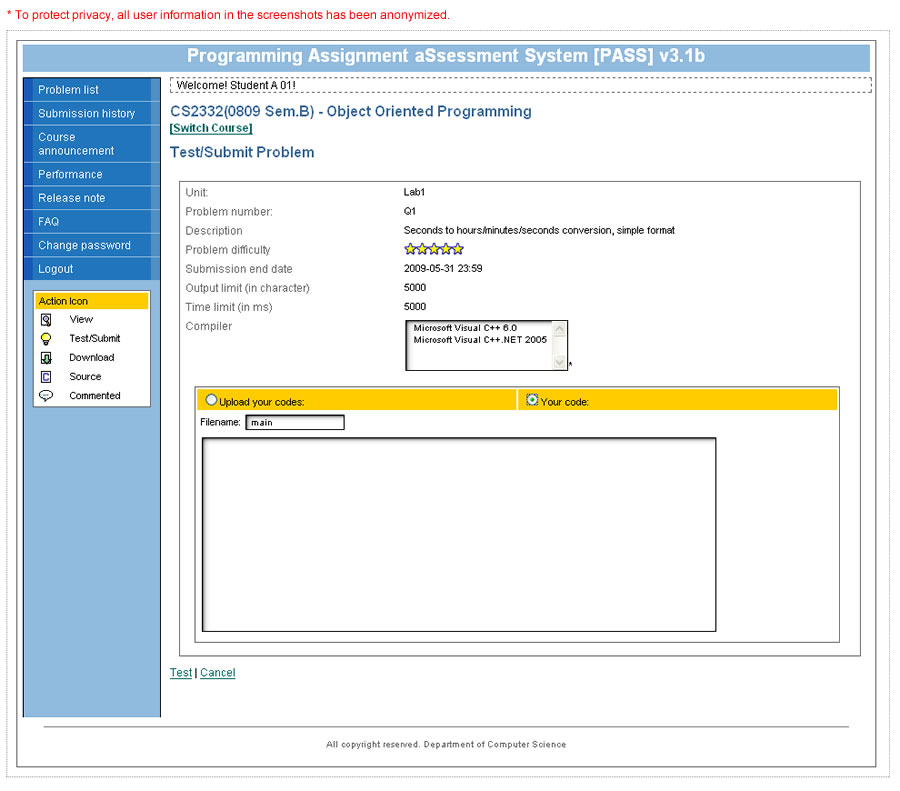
Submit a program to test by directly editing or copying the code on screen. - Submission History
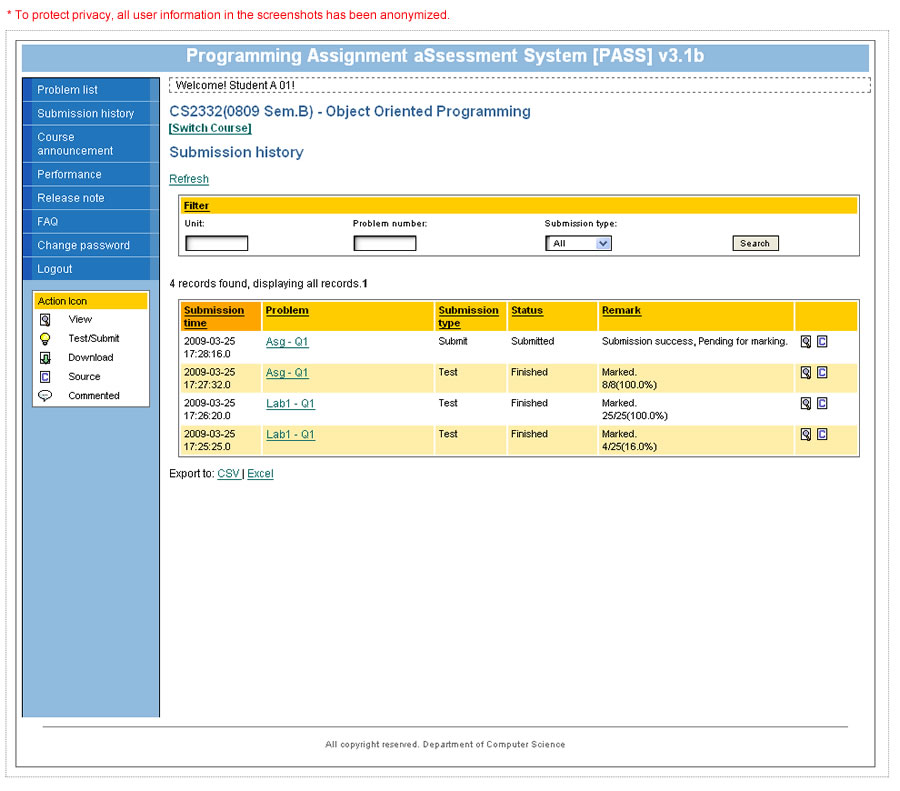
Check the history and execution results of the problems that have been worked on. - Students Performance
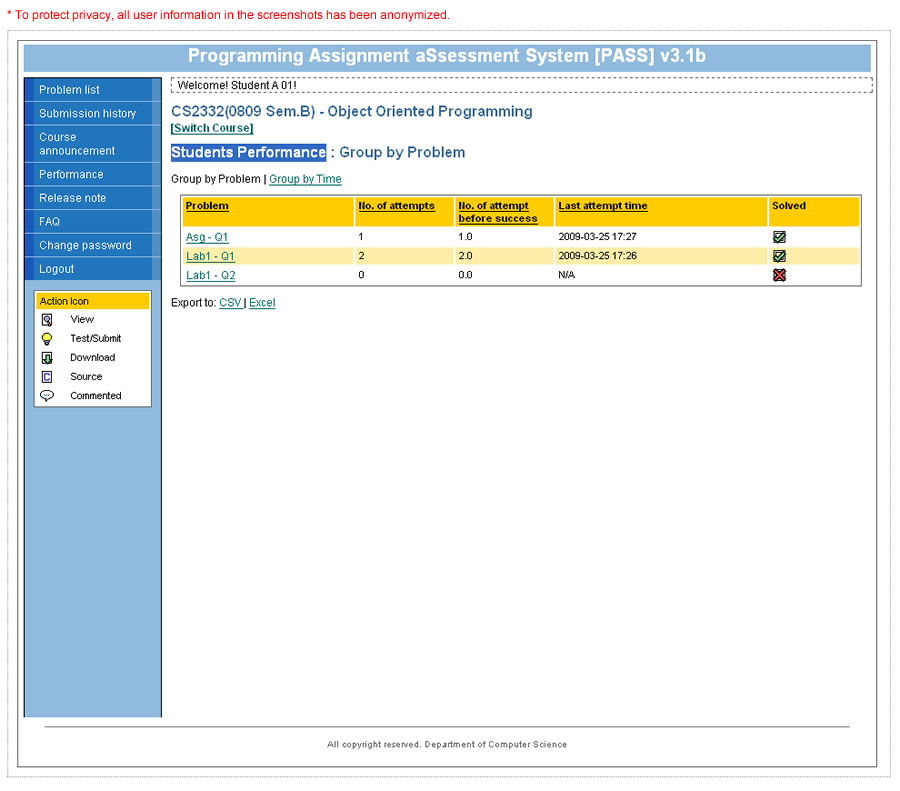
Check the problems that have been worked on.
Course Leader/Tutor Interface
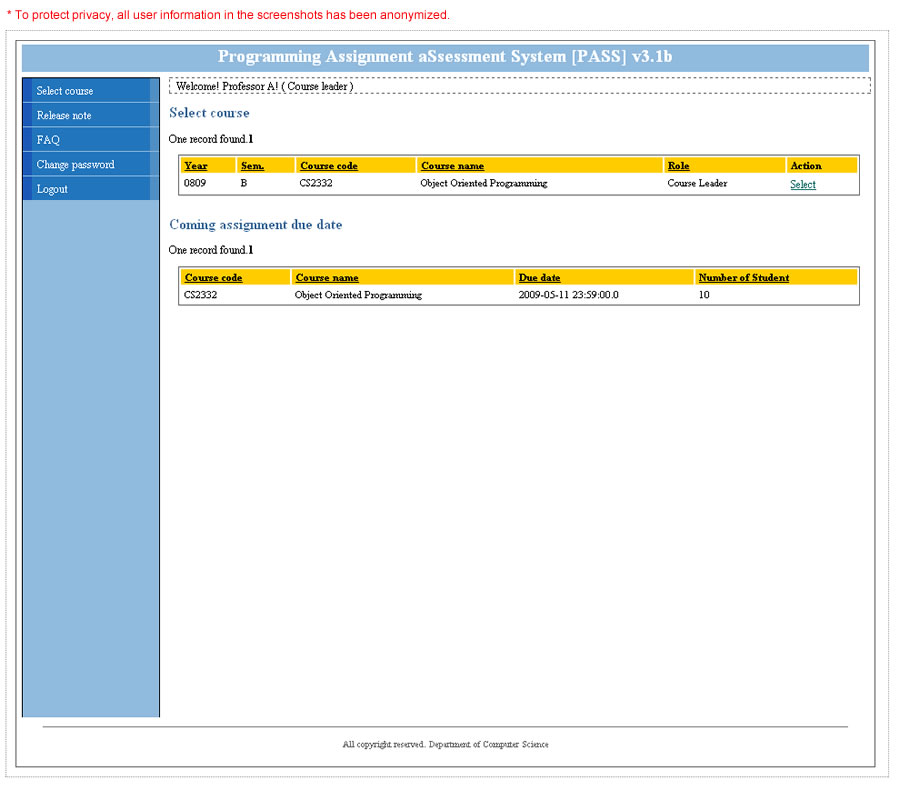
- Select Course
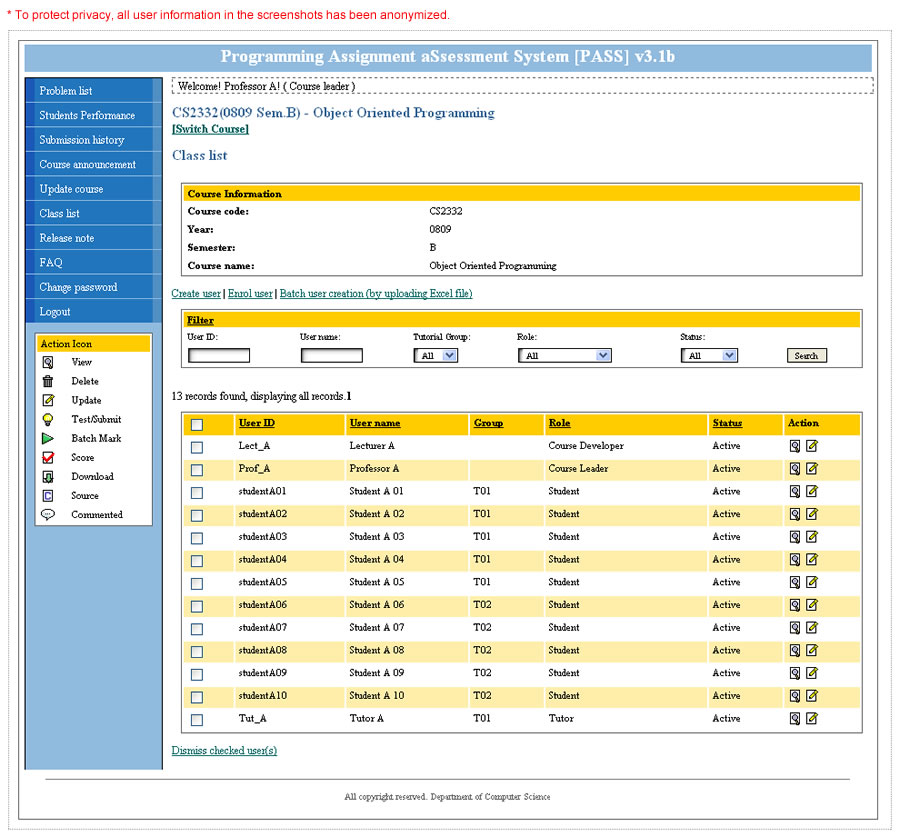
Select a course to work on. - Class List
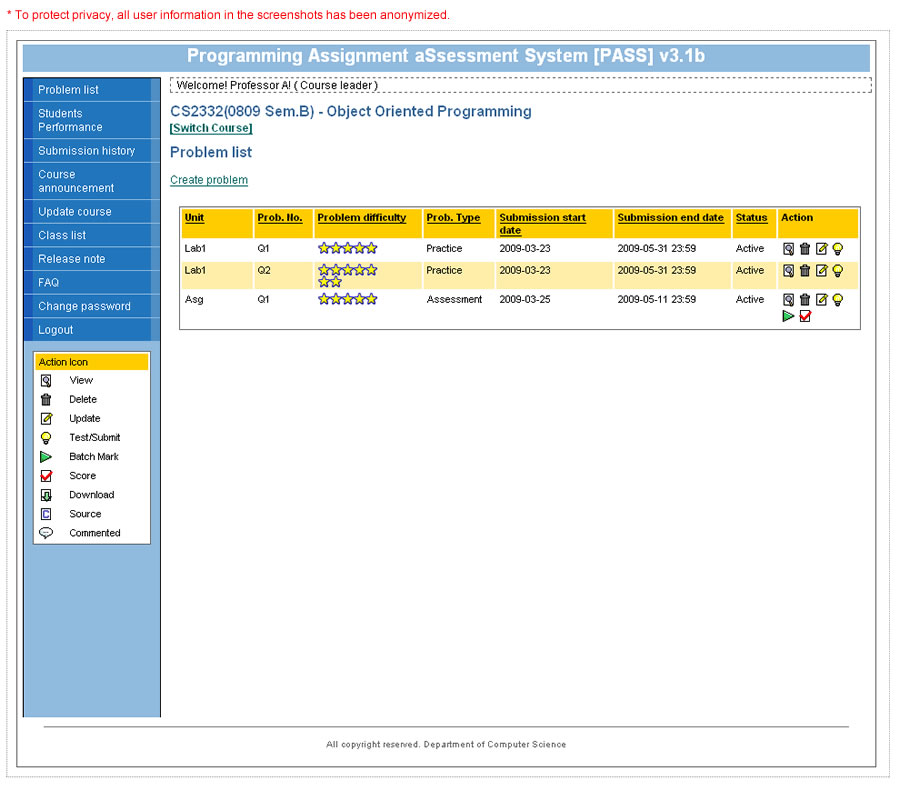
View or edit the list of users enrolled in a class. - Problem List
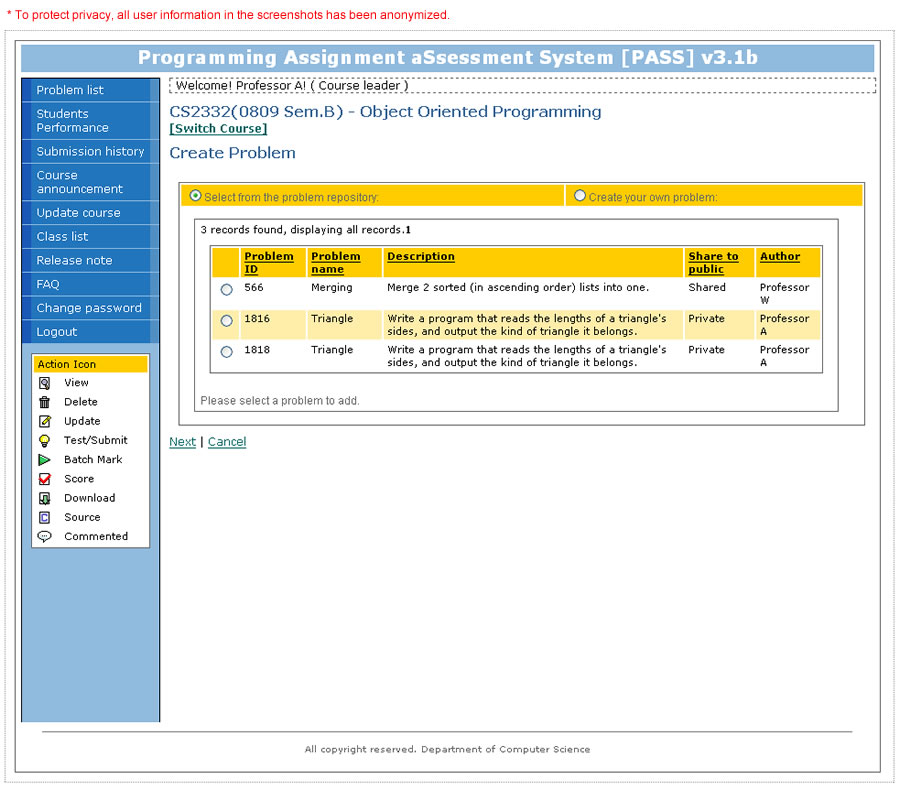
View the list of problems including practices and assessments that will be released to the students to solve. - Problem Repository
Select a problem from the repository. - Create Problem
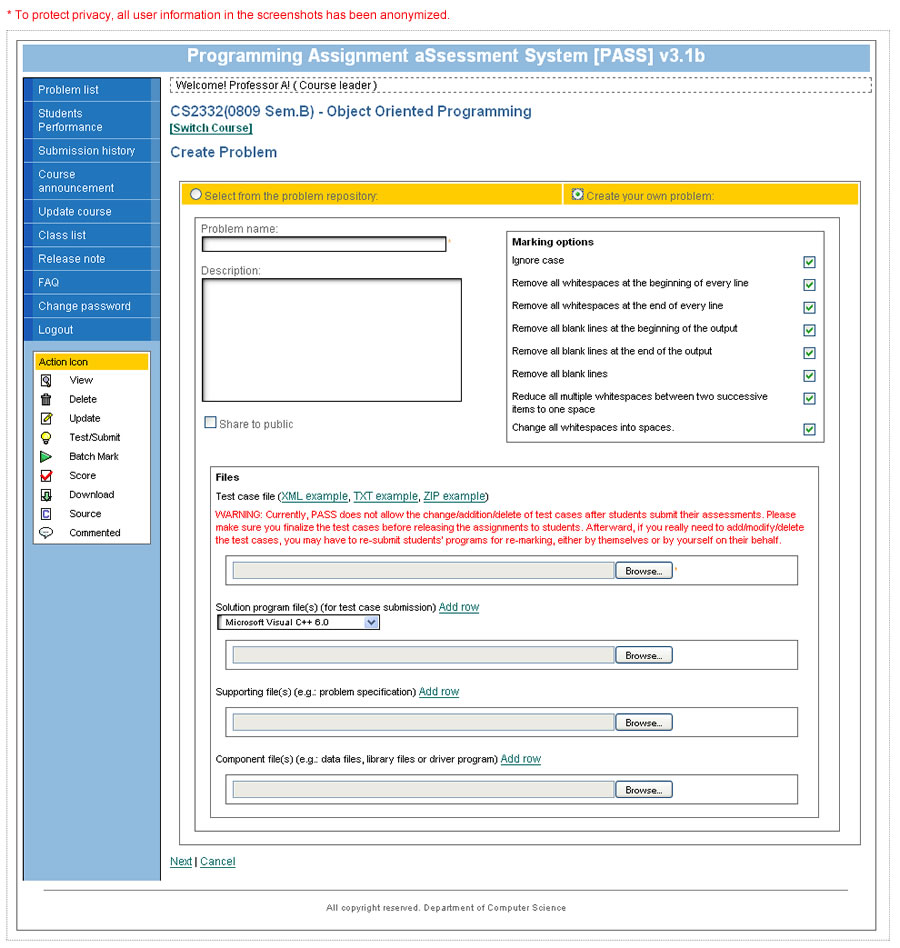
Create a new problem or select one from the problem repository for adaptation. - Manage Test Case
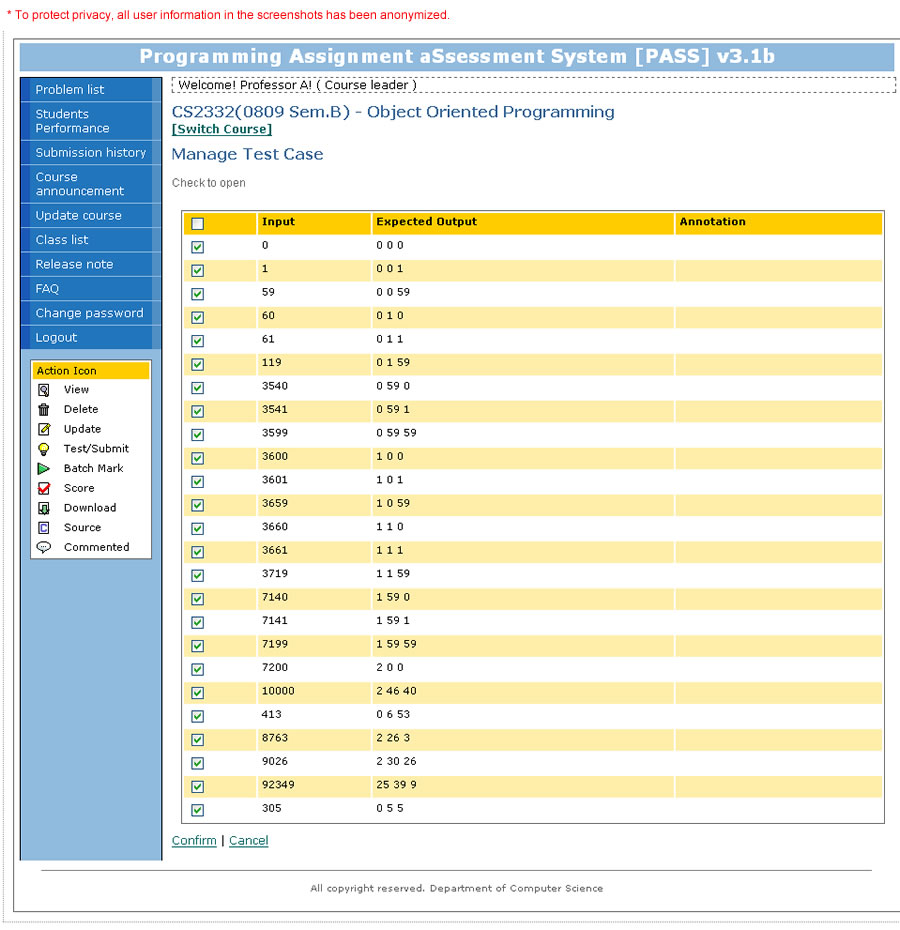
Select test cases to be used for testing student programs. - Update Problem
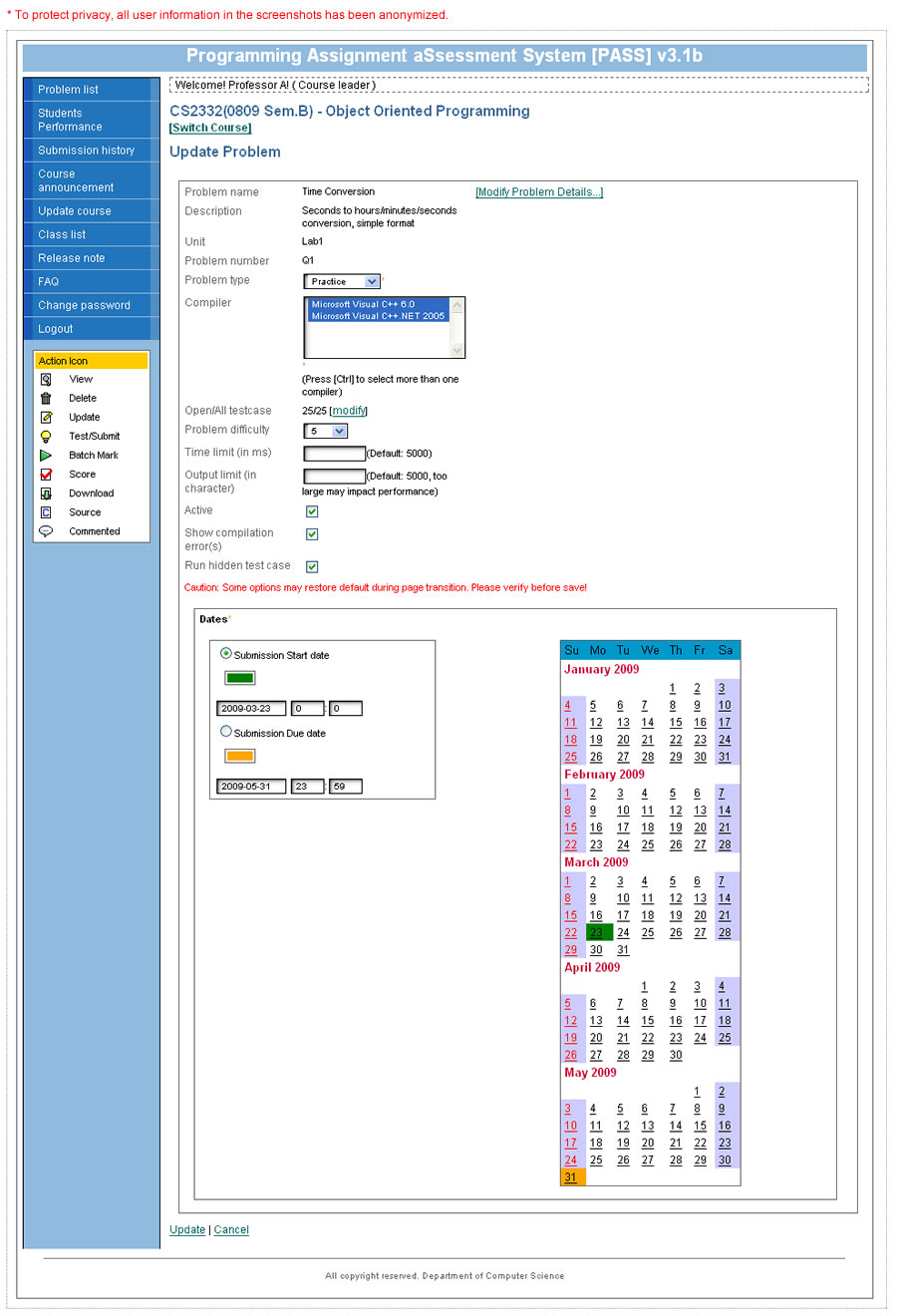
Edit the details of a problem, such as Problem type, Compiler(s) and Submission Due Date. - Test/Submit
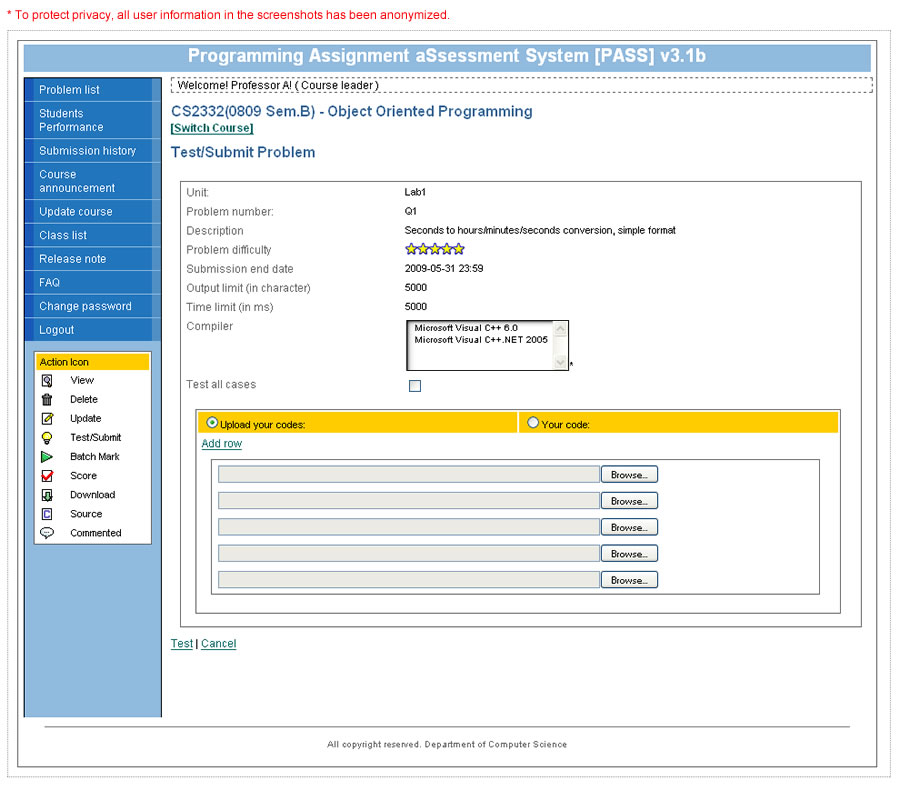
Submit a program to test by uploading its source file. - Submission History
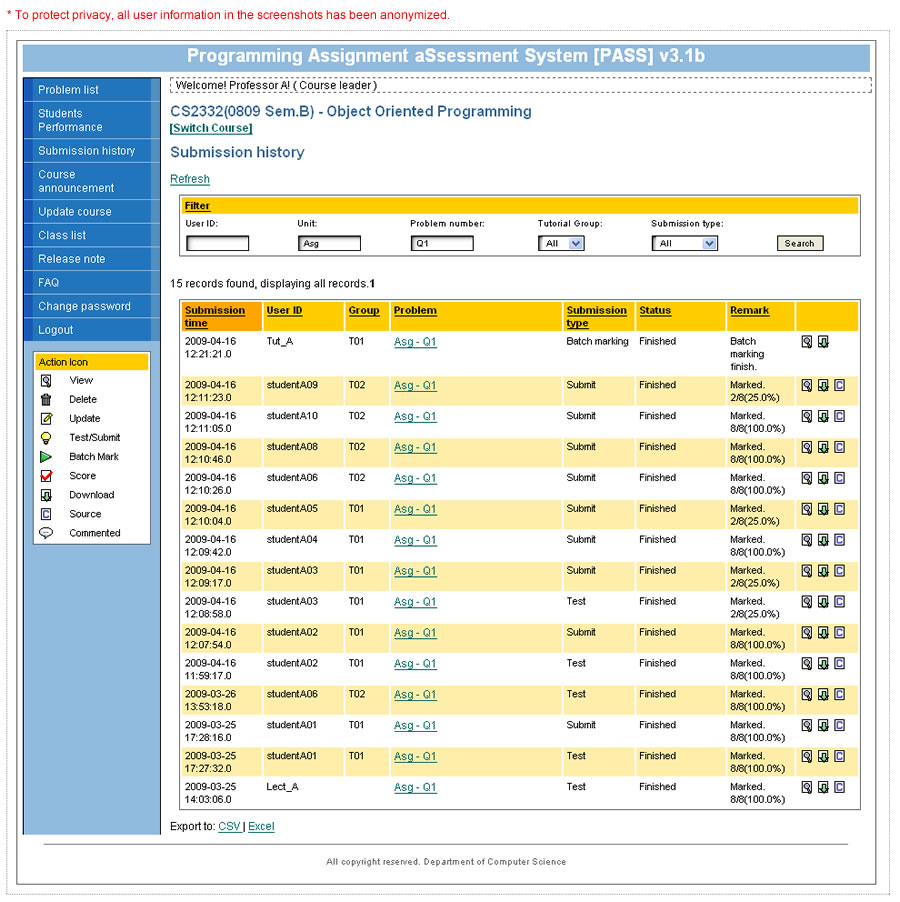
View the submission history and execution results of the class. - Mark Program
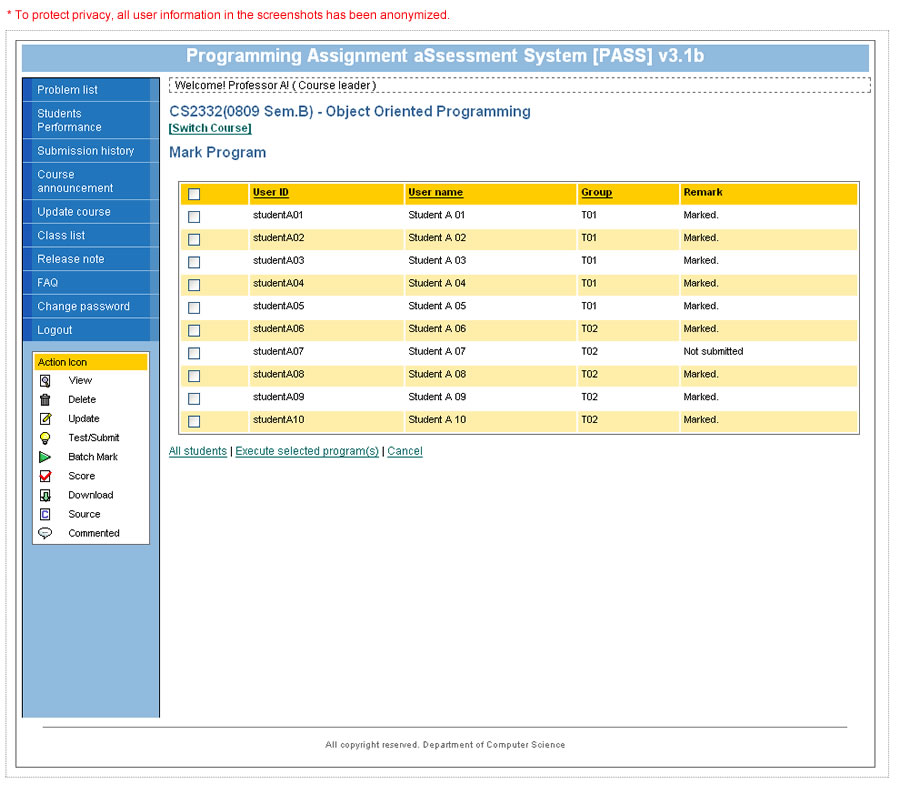
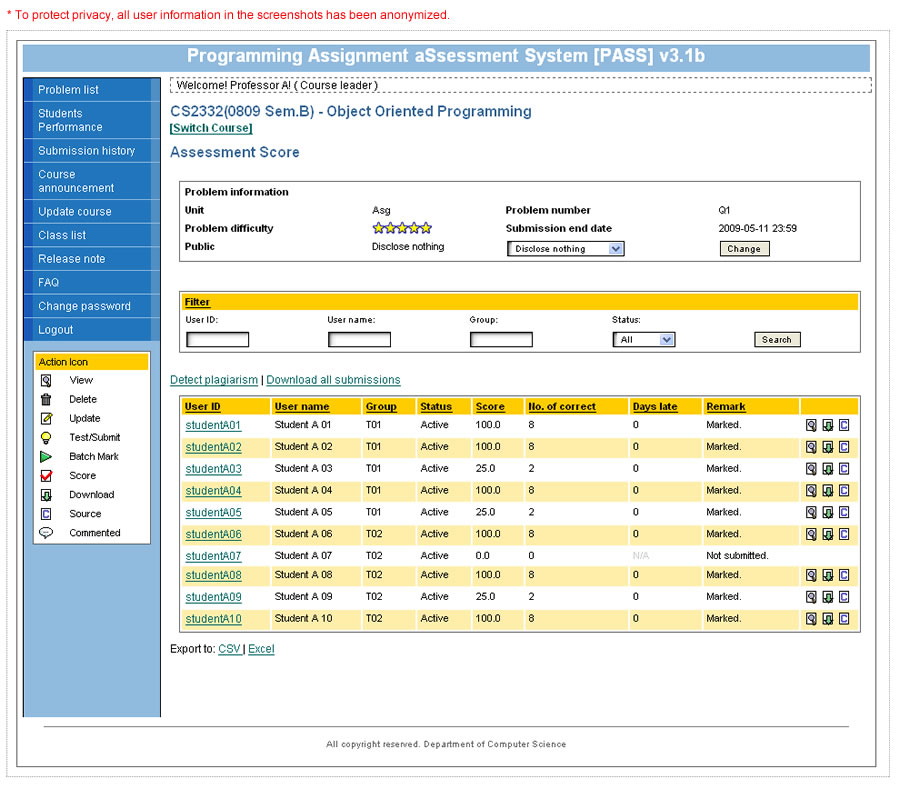
Mark students’ submissions for assignment. - Assessment Score
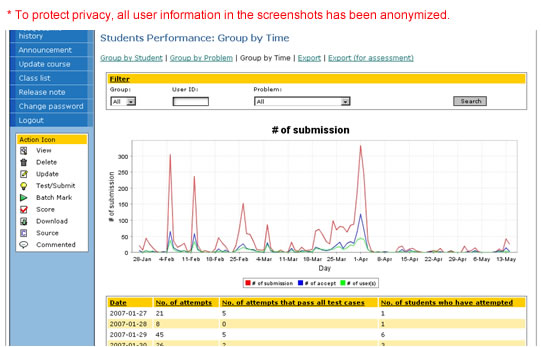
Check the assignment scores of the students. - Statistics (grouped by time)
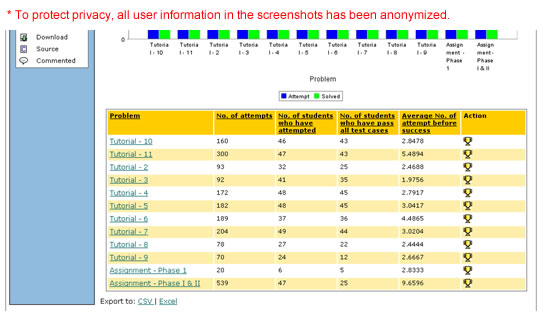
Student activities throughout the semester. - Statistics (grouped by problem)
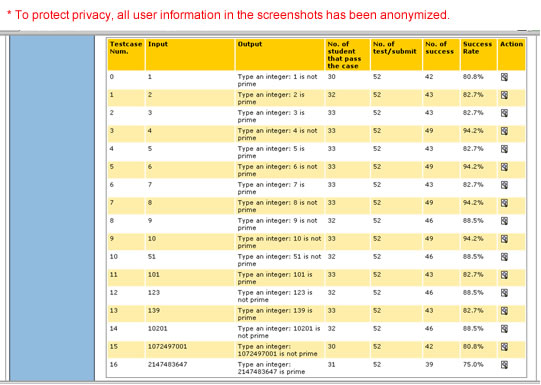
Student performance in each problem. - Statistics (grouped by test case)
Student programs’ success rate in each test case of a problem.
Course Administrator Interface
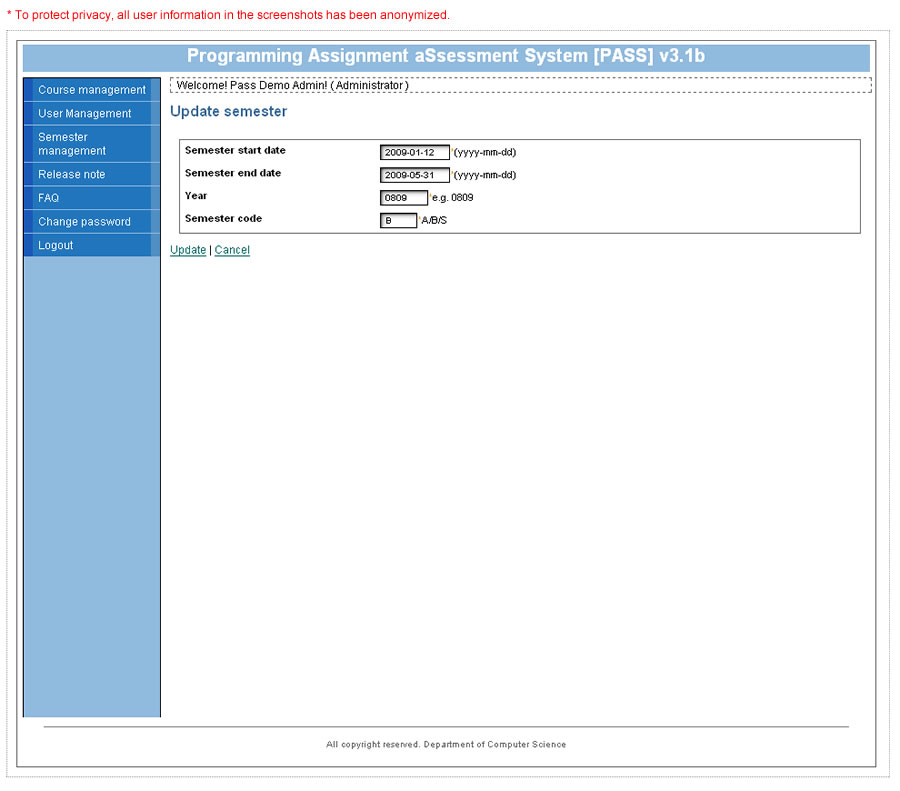
- Semester Management
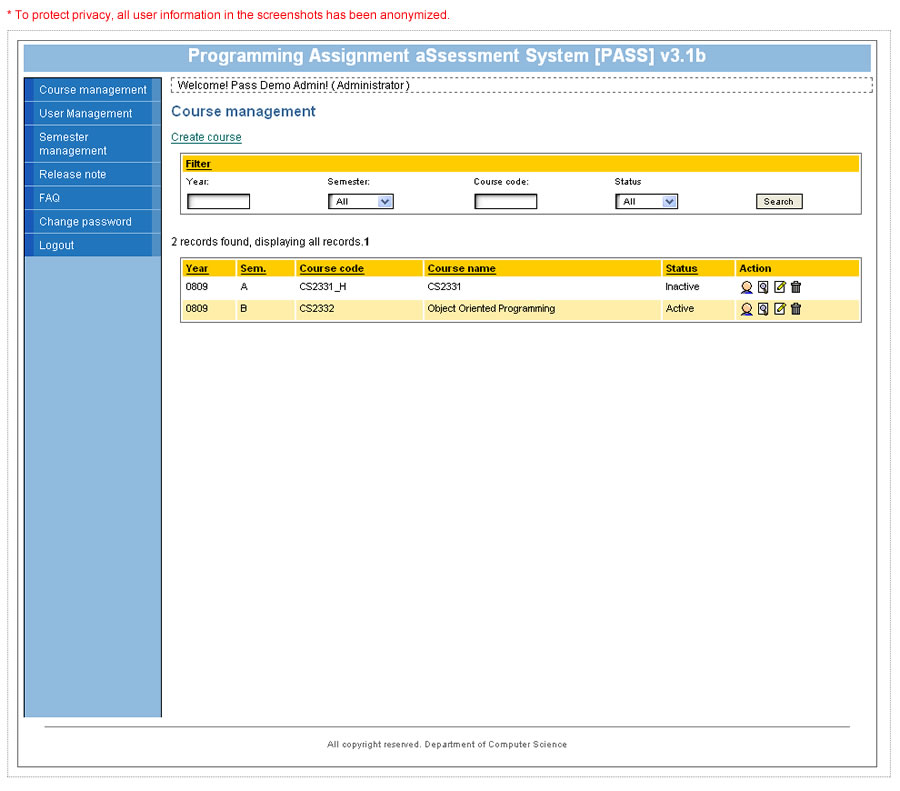
Edit the information of a semester (e.g., start and end date). - Course Management
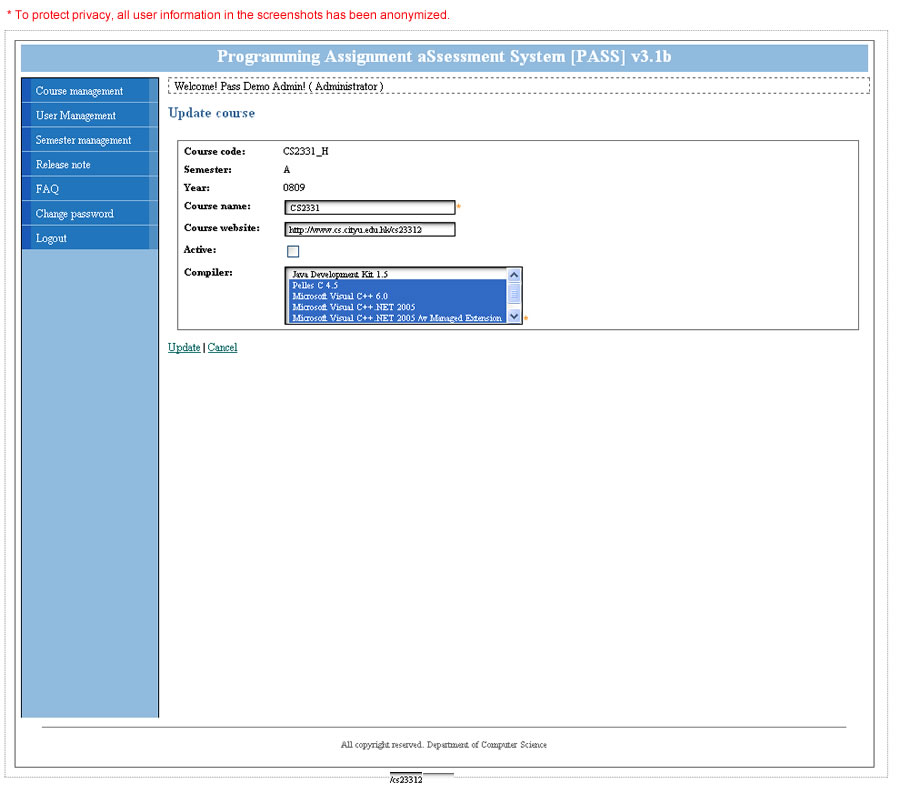
Create a new course in PASS, or select an existing course to work on. - Update Course
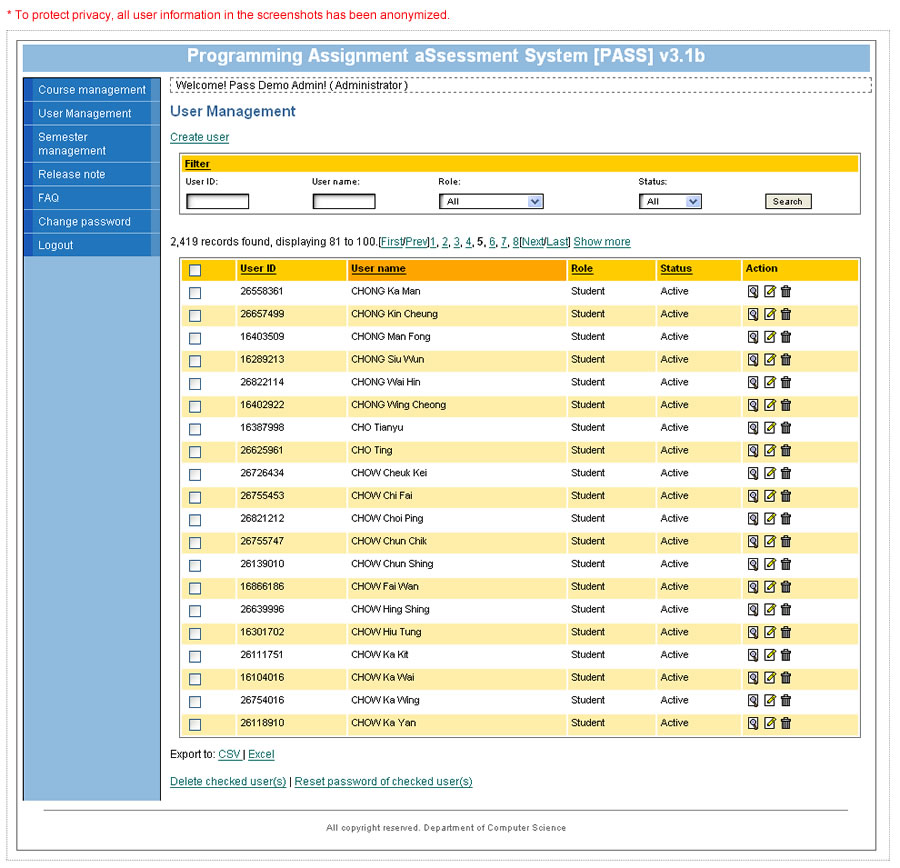
Update the information of an existing course. - User Management
Create new user(s) or edit the information of an existing user.