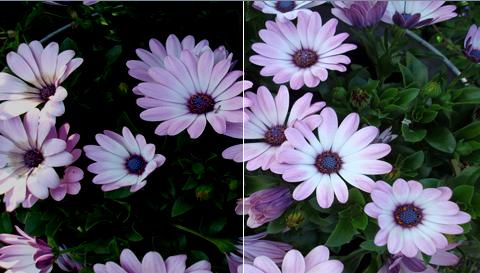
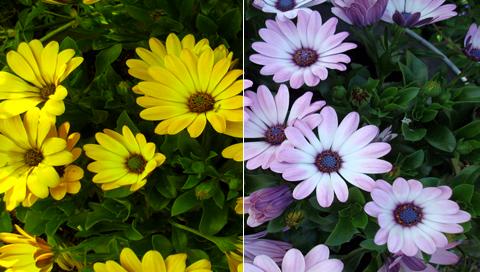
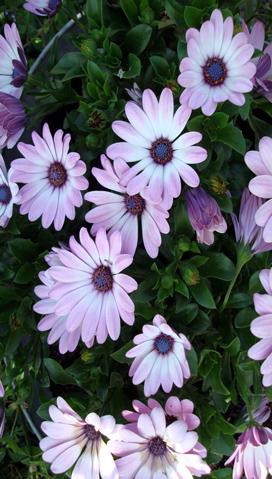
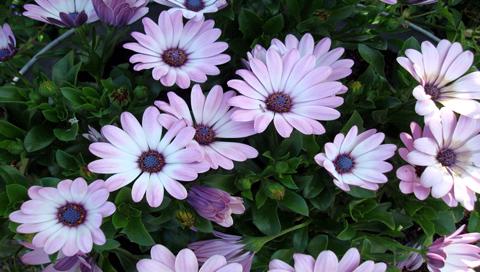
Original Photo
This is the photo that is used in the following example.
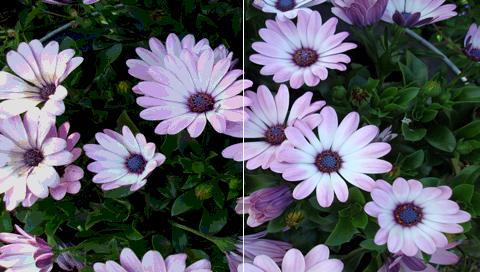
This is the photo that is used in the following example.
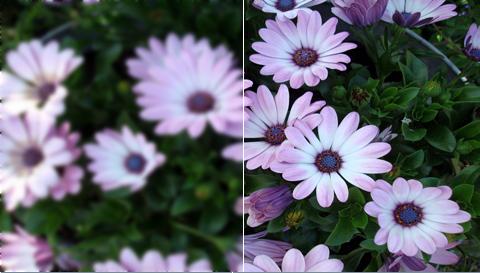
This filter blurs an image very slightly using a 3x3 blur kernel. There are no parameters to this filter.
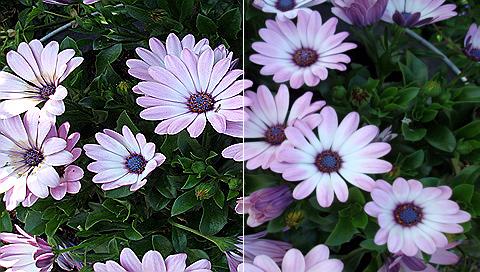
This filter sharpens an image very slightly using a 3x3 sharpening kernel. There are no parameters to this filter.
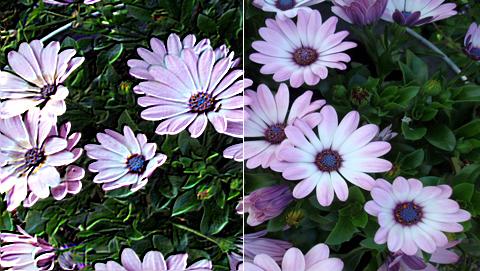
This filter does a simple convolution which emphasises edges in an image.
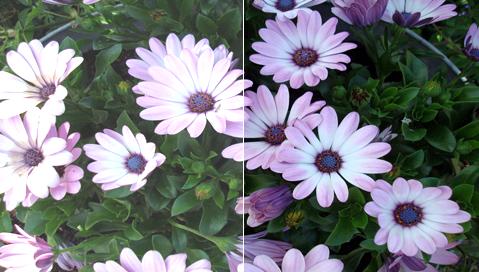
This filter change the factors of an image by adding a constant value to all the pixels of an image. This is the effect of brigthen.
This filter change the factors of an image by substracting a constant value from all the pixels of an image. This is the effect of darken.
This filter posterizes an image by quantizing each channel to a specified number of levels. This is generally an ugly way to reduce colours, but is often used as a special effect.
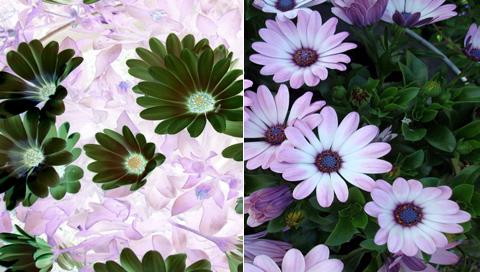
This filter will invert all the pixels in an image, converting it into its photographic negative. It inverts a pixel by simply subtracting each colour component from 255. There are no parameters to this filter.
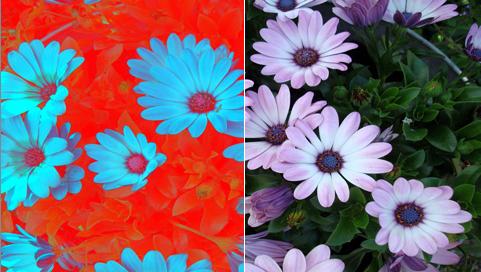
This filter will invert all the red component pixels in an image, converting it into its photographic negative. It inverts a pixel by simply subtracting red colour component from 255. There are no parameters to this filter.
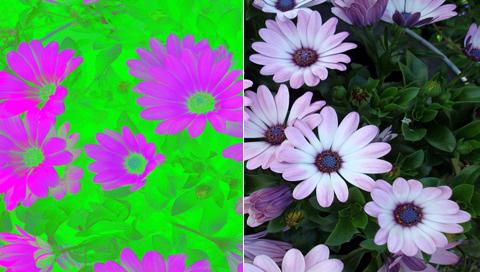
This filter will invert all the green component pixels in an image, converting it into its photographic negative. It inverts a pixel by simply subtracting green colour component from 255. There are no parameters to this filter.
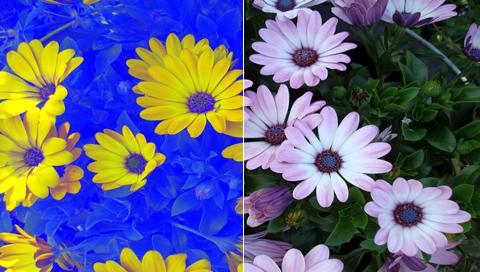
This filter will invert all the blue component pixels in an image, converting it into its photographic negative. It inverts a pixel by simply subtracting blue colour component from 255. There are no parameters to this filter.
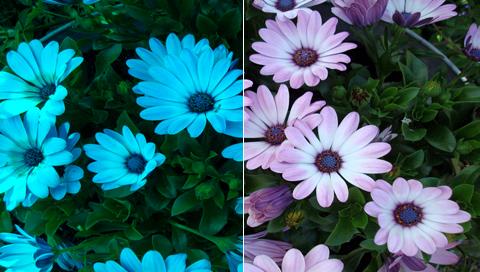
This filter will remove all the red component pixels in an image. It removes a pixel by simply changing red colour component to zero. There are no parameters to this filter.
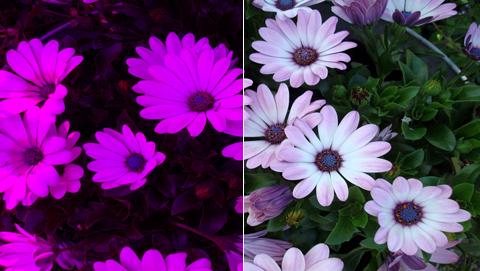
This filter will remove all the green component pixels in an image. It removes a pixel by simply changing green colour component to zero. There are no parameters to this filter.
This filter will remove all the blue component pixels in an image. It removes a pixel by simply changing blue colour component to zero. There are no parameters to this filter.
This transformation will rotate the image clockwise. Each time the rotation will take 90 degrees.
This transformation will rotate the image anti-clockwise. Each time the rotation will take 90 degrees.
This transformation will flip the image horizontally.